


No, you do not need to redraw the map when switching between Local RTK and NRTK positioning modes. However, the switching process may take a few minutes, as the system performs an alignment procedure between the two modes.
Yes.With the Navimow App, you can remotely start mowing, send the mower back to the charging station, and set mowing schedules.If you are managing multiple units, NavimowFleet™ lets you configure and control several mowers at once, so one operator can handle multiple machines effortlessly.
Currently, you can create up to 120 VisionFence Off Zones on a single mowing map in the Navimow app.
The Terranox doesn't have built-in compartment designed for tracking devices, but it already supports Find My. You can add it directly to the Find My app without without using a tracking device like AirTag.
No. Apple’s Find My feature is exclusively designed for iOS devices and cannot be used on Android.If you are using an Android phone, you can still track your Navimow mower through the Navimow app using features such as Locate My Mower (when the 4G service is active).
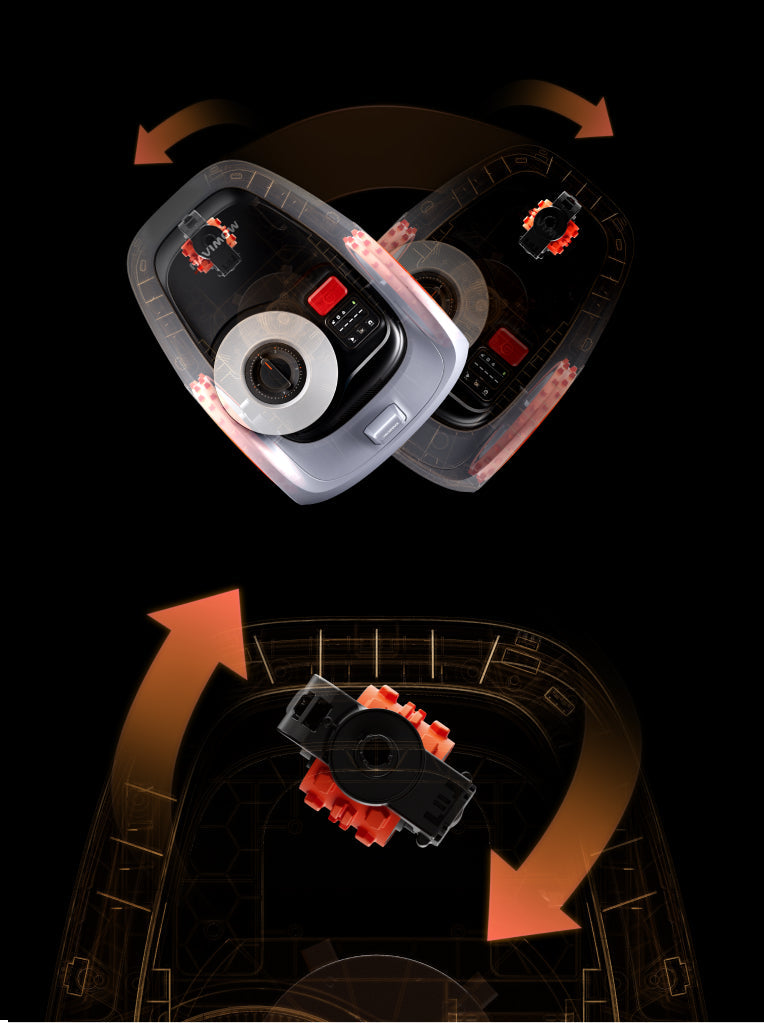
Yes, there is a bumper at the front of the Navimow Terranox, which is used for the Navimow Terranox to avoid obstacles. When it bumps into an obstacle, it will make a U turn to avoid bumping into the obstacle again.
You can go to App Settings>MOWER>Parts Maintenance to check for maintenance and replacement suggestions for the blades and other parts.Typically the blades should be replaced after 80 hours of use.